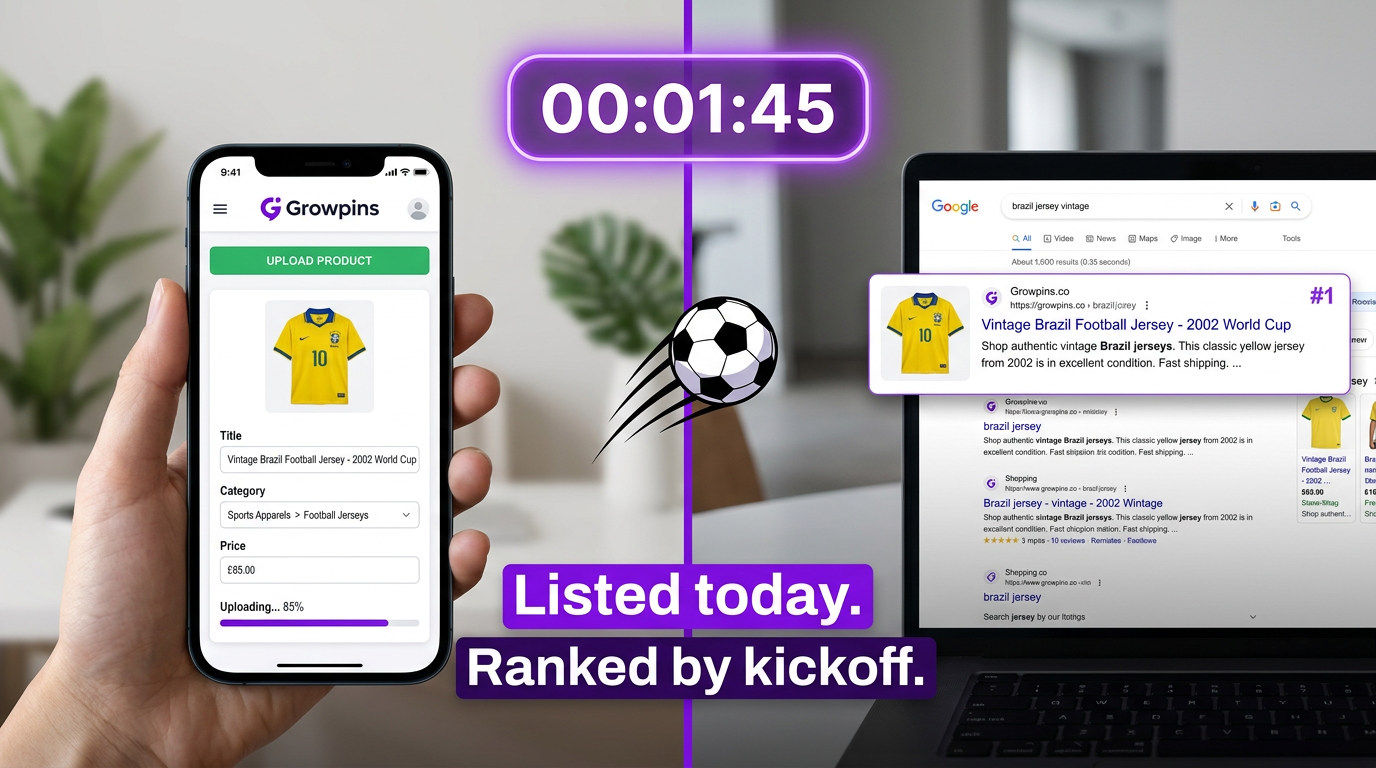
How to Set Up a World Cup Store on Growpins Before Kickoff
The 2026 World Cup starts June 11. Here's how to set up a World Cup merchandise store on Growpins in 20 minutes and get found on Google before the tournament be
By Dokun Bamigboye · Growpins AI
To set up a World Cup store on Growpins before kickoff: create your account (5 min), list products with titles in the format "2026 FIFA World Cup [Country] [Product Type]" (10 min each), let AI generate the SEO descriptions, run a free SEO audit to confirm indexability, then share on WhatsApp and Instagram while Google crawls your store. New pages take 3–7 days to index — list today to rank by kickoff.
⚽ World Cup 2026 starts June 11. Google takes 3-7 days to index new pages. Get your store up now.
You don't need months of prep. You need 20 minutes, a Growpins account, and something to sell. Here's exactly how to do it.
Why Growpins?
No payment gateway needed to start: take payments however you want while you get going
AI writes SEO descriptions automatically: every listing gets a keyword-optimised description when you upload.
Google schema markup out of the box: your price shows up in search results without touching any code
Free SEO audit tool: check whether your store is indexable before the first match
Growpins Discover page: free exposure to buyers already browsing the platform
Step 1: Create Your Store (5 minutes)
Go to growpins.ai/register and sign up for free
Pick a store name that makes sense: "BrazilFanStore", "WorldCupMerch2026", "FifaMerchandise2026"
Write a short store description with the keywords buyers actually search: "2026 FIFA World Cup merchandise — team jerseys, flags, and fan accessories for supporters worldwide."
Upload a logo or profile photo, a simple one is fine, you can swap it later
Step 2: List Products With Titles That Actually Rank (10 minutes per product)
Your product title is what Google uses to decide where you show up. Generic titles don't rank. Specific ones do.
The formula: [Year] FIFA World Cup + [Country] + [Product Type] + [Key Attribute]
Examples:
✅ "2026 FIFA World Cup Brazil Home Jersey: Adult Replica Kit, Sizes S–XXL"
✅ "World Cup 2026 Argentina Fan Scarf: Knitted, Sky Blue and White Stripes"
✅ "FIFA World Cup 2026 Viewing Party Snack Pack: Artisan Snacks Bundle, Serves 6"
✅ "World Cup 2026 Sweepstake Template: Printable PDF, 32 Teams"
❌ "Football jersey" (won't rank for anything)
❌ "Nice scarf" (zero SEO value)
Step 3: Let AI Write Your Descriptions
When you save a listing, Growpins generates a full SEO description automatically. It covers:
Primary keyword in the first paragraph
Feature bullets: size, material, occasion
A call-to-action at the end
Schema markup so your price shows directly in Google results
You can edit the output. But if you're under time pressure before kickoff, publish first and refine later.
Step 4: Run a Free SEO Audit
Before you share your store anywhere, run a free audit at growpins.ai/seo-audit. It checks:
Whether Google can actually index your pages
Meta title and description quality
Mobile viewport configuration
Page speed (Core Web Vitals)
Schema markup presence
Fix anything flagged before you start sending traffic. If your products still aren't appearing in search after indexing, see our diagnostic guide on why products don't show up on Google
Step 5: Drive Traffic While Google Catches Up
Indexing takes a few days. In the meantime:
WhatsApp broadcasts: send your store link to your contacts now
Instagram Stories: show the products, add a link sticker
Facebook groups: football fan groups, local seller communities, diaspora groups for the countries you're selling For Africa-specific strategy, see the World Cup 2026 guide for African sellers.
Growpins Discover: your listings are visible to Growpins shoppers from day one
One More Thing Worth Knowing
World Cup content keeps ranking long after the tournament ends. After 2022, searches for "Brazil World Cup jersey" and "Argentina World Cup merchandise" were still getting traffic in 2024 as fans followed player moves and the build-up to 2026 began.
A store you set up this week will still be picking up searches in 2028 and 2029. That's not a bad return on 20 minutes.
Your Growpins store is free to start, live in 20 minutes, and indexed by Google from day one. No payment gateway is needed to begin selling.
Create your free World Cup store →
Related reading: Best products to sell during the 2026 World Cup · World Cup 2026 guide for African sellers · Why your products don't show up on Google
Share this post
Have a question about this post? Contact the author